Showing posts with label Dialing. Show all posts
Showing posts with label Dialing. Show all posts
Friday, October 10, 2014
How to Set up Speed Dialing on HTC One
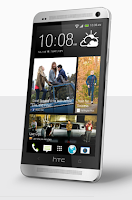
1. First, open the phone app on your device.
2. Then tap
 and go to Speed Dial.
3. Now tap
 and select a contact from the list.
4. On the Speed dial Lcd, choose the phone number of the contact to use
and a speed dial key to assign for that contact.
5. Once your done, tap Save.
Take note that the number 1 key is generally used and reserved for calling voicemail and retrieving voicemail messages.

Monday, September 29, 2014
How to Set up Speed Dialing on HTC Desire U
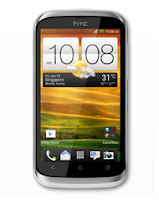
1. First, open the phone app on your device.
2. Then tap
and go to Speed Dial.3. Now tap
and select a contact from the list.4. On the Speed dial Lcd, choose the phone number of the contact to use
and a speed dial key to assign for that contact.
5. Once your done, tap Save.
Take note that the number 1 key is generally used and reserved for calling voicemail and retrieving voicemail messages.
Subscribe to:
Posts (Atom)