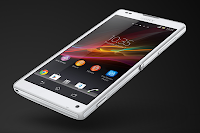
Just like a desktop, it also works best on any smartphones to add a shortcut on a homeLcd. This r somehow makes navigation, especially to important files/apps, more accessible. Its less hassle and less tapping. Sony Experia ZL definitely allows you to make your device experience stress-free by adding a shortcut to important apps on your homeLcd. Heres how to do it.
1. On your devices homeLcd, touch and hold and empty area until the device vibrates.
2. After doing so, tap on
Apps.
3. Then go to
Shortcuts and select a shortcut.
4. Or another option, just go directly to the Application Lcd and touch and hold the application.
No comments:
Post a Comment